Cancel
Start searching

This search is based on elasticsearch and can look through several thousand pages in miliseconds.
Learn more
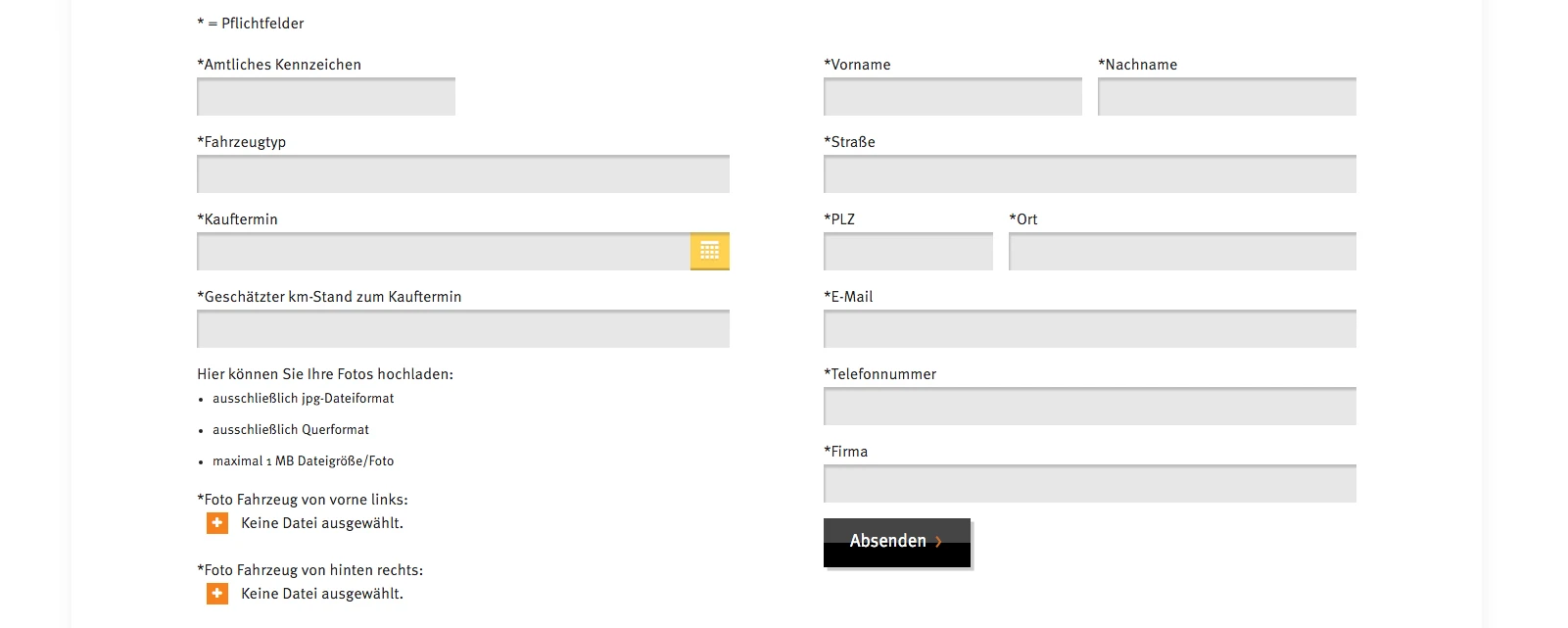
The new design of the fully-responsive LeasePlan website provided for several web forms on one page. However, since forms normally cause the entire page to be reloaded when they are submitted, adjustments were necessary. Loading the entire page when submitting a form not only causes frustration due to the waiting time. In view of the increasing number of mobile users, the amount of data transferred also plays a major role.
The user has no advantage if the entire page is reloaded when the form is submitted. It is rather frustrating to stare at a blank white page after submitting and wonder what is happening.
Technically, this can be solved quite easily by sending the form via Ajax. This means that only the form data entered is sent to the server. This means that the server no longer needs the complete page as a response, but only the response from the form. This can of course vary greatly depending on the requirements. In the event of an error, a meaningful error message should of course appear and the form should be highlighted with the corresponding incorrectly filled fields. If the form is sent successfully, a success message should appear accordingly.
<form name="name-des-formulars" method="post" enctype="multipart/form-data">
    <div>
        <label for="name">Name</label>
        <input type="text" id="name" name="name-des-formulars[name]">
    </div>

    <div>
        <label for="document">Dokument</label>
        <input type="file" id="document" name="name-des-formulars[document]">
    </div>

    <!-- weitere Felder -->

    <div>
        <button value="submit" type="submit" onclick="yourJavaScriptFunction(clickEvent);" name="name-des-formulars[submit]">Absenden</button>
    </div>
</form>For the file upload, the "enctype" property in the form must be set to "multipart/form-data".
function yourJavaScriptFunction(clickEvent) {
    clickEvent.preventDefault();

    // Initialisierung weiterer Variablen

    var formPostData = new FormData(document.forms.namedItem('name-des-formulars'));


    jQuery.ajax({
        type: "post",
        url: requestURL,
        data: formPostData,
        dataType: "json",
        contentType: false,
        cache: false,
        processData: false,
        //...
For the file upload, we use the FormData object here, as otherwise the files are not sent. In addition, the contentType and processData settings must be set to false for this, as different formats (text, images, documents, etc.) are transferred here. Caching should also not be activated, as this involves individual user-specific data that cannot be cached.
At punkt.de, we use the Formhandler extension for web forms, among others, as it is easy to customize and extend and offers a lot of functionality. Only a few adjustments are necessary to send formhandler forms via Ajax:
First, we need our own AjaxFileUploadHandler that inherits from Tx_Formhandler_AjaxHandler_JQuery. This is necessary because we want to transfer the data via the FormData object in order to receive a file upload via Ajax and this is not yet configurable via form handlers.
class Tx_PtFormhandler_AjaxFileUploadHandler_JQuery extends Tx_Formhandler_AjaxHandler_Jquery
{
    public function initAjax()
    {
        // der Code dieser Funktion aus der Eltern-Klasse sollte hier entsprechend dem obigen Beispiel angepasst werden
}By using your own AjaxHandler, you have free control over the code without having to patch the extension, but you should compare the parent class with your own AjaxHandler during updates to prevent possible problems caused by code changes.
The next step is to convert the corresponding form to Ajax:
ajax {
   class = Tx_PtFormhandler_AjaxFileUploadHandler_JQuery
   config {
      jsPosition = footer
      ajaxSubmit = 1
      ajaxSubmitCallback = formhandlerCallbackOnAjaxSubmit
      submitButtonSelector = #my-form-id
   }
}
In this configuration, there are some important aspects to consider in connection with the use of Ajax:
With these few adjustments to web forms, performance, loading time, usability and traffic (for both client and server) can be optimized. An investment that pays off for website operators and website visitors.