Cancel
Start searching

This search is based on elasticsearch and can look through several thousand pages in miliseconds.
Learn more

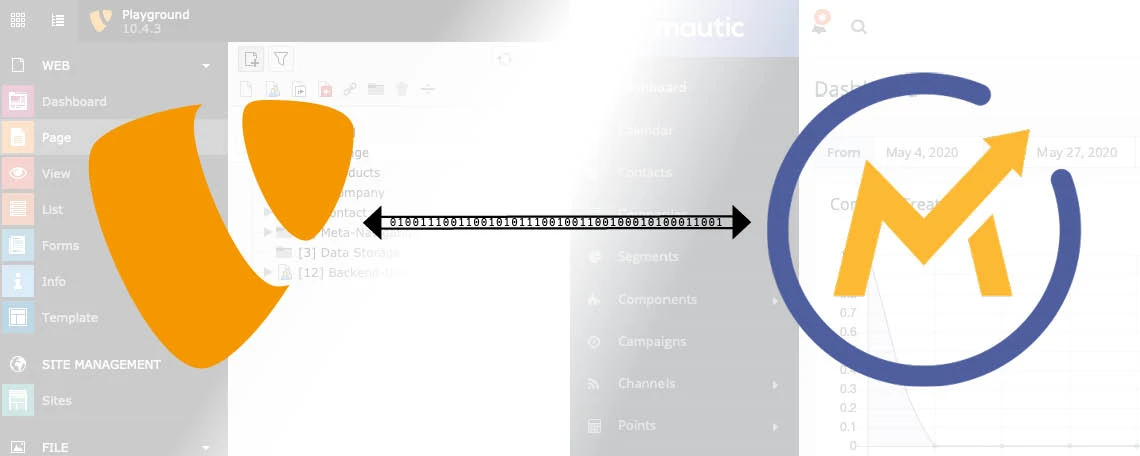
Effective marketing can significantly increase product awareness and sales figures. Marketing automation systems can further optimize and automate these processes and expand them with new capabilities. In this article, I’d like to show you how to set up the open-source marketing automation system “Mautic,” integrate it with TYPO3, and make effective use of its features.
Marketing automation refers to software platforms designed to automate lead generation, management, and measurement, as well as to manage and track website visitors and advertising campaigns. Marketing automation helps identify potential customers among a website’s visitors, score them, and convert these visitors into customers by providing additional, specific information. This offers significant advantages for marketing, such as time savings within marketing processes through automation and more efficient workflows.
Mautic is an open-source marketing automation system. Unlike other proprietary systems, Mautic does not incur high licensing costs. Furthermore, its freely accessible source code allows users to customize and extend Mautic to meet their specific needs, as well as to develop additional interfaces. Another advantage of Mautic: It is not a cloud platform but must be hosted on a server of your own. This gives you full control over the collected data and allows you to decide where it is stored.
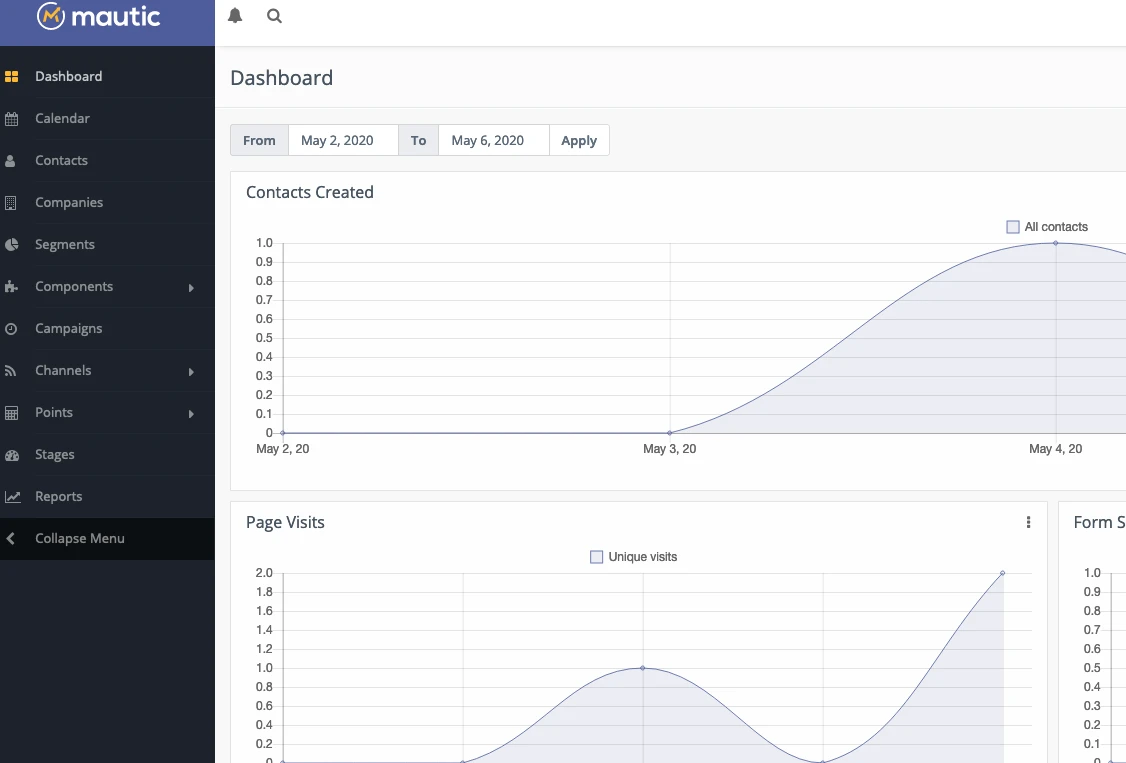
In addition to a freely configurable dashboard with various statistics and information, Mautic allows you to store a wide variety of content—such as assets, emails, or landing pages—which can then be used, for example, in campaigns or with forms.
In Mautic, users can be evaluated using a customizable scoring system. Points are awarded for user actions, such as visiting a specific page or clicking on a document.
This point system then allows the system to automatically perform further actions, such as sending an email to the user when a certain score is reached. In addition, users can be assigned to different categories (segments), which can later be used, for example, to display dynamic content. The higher a user’s score, the more valuable they become from a marketing perspective.
Further information on Mautic’s features can be found on the official website.
Installing Mautic is relatively simple and straightforward.
First, the server must be prepared. A database must be available, and the web server must be configured if Mautic is to be accessible via its own domain. If Mautic is to be set up as a subfolder of a domain (e.g., www.example.de/mautic), there is no need to configure the web server. It doesn’t matter whether Mautic is installed on a standalone server or on the same server as an existing TYPO3 site. The only important thing is that TYPO3 and Mautic can communicate with each other.
First, download Mautic from mautic.org and save it to the server. Alternatively, you can clone the project from GitHub. This is particularly useful if you plan to make customizations or add extensions to Mautic. You can find detailed instructions for installing Mautic in the official documentation.
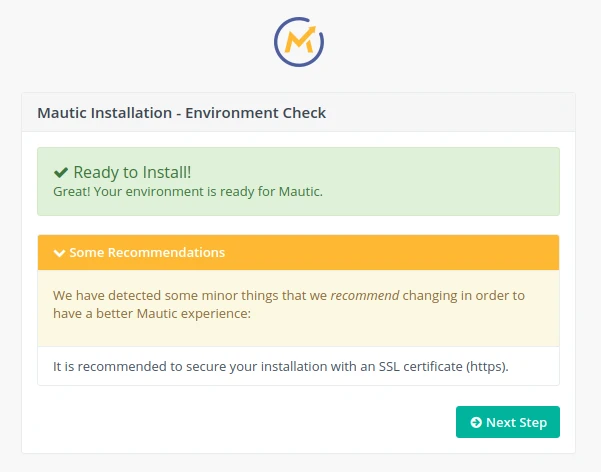
When you launch Mautic for the first time, a system check will run. This will display notes and warnings about incorrect configurations or missing system requirements. If everything is in order, simply follow the remaining steps in the installation wizard to set up Mautic. Once complete, the system is ready, and you can log in to the MauticBackend using the admin user created in the wizard.
To integrate Mautic into TYPO3, the following two extensions must be installed:
The "marketing_automation" extension serves as the foundation for other marketing automation extensions. It extends TYPO3, for example, by adding the ability to create and manage "personas." These act as a form of categorization for users and content and form the basis for dynamic content.
The “mautic” extension is responsible for linking TYPO3 and Mautic and provides the necessary extensions
and content elements for communication with Mautic. This extension is also responsible for synchronization and authentication with Mautic.
Before Mautic and TYPO3 can communicate with each other, the following steps must be completed:
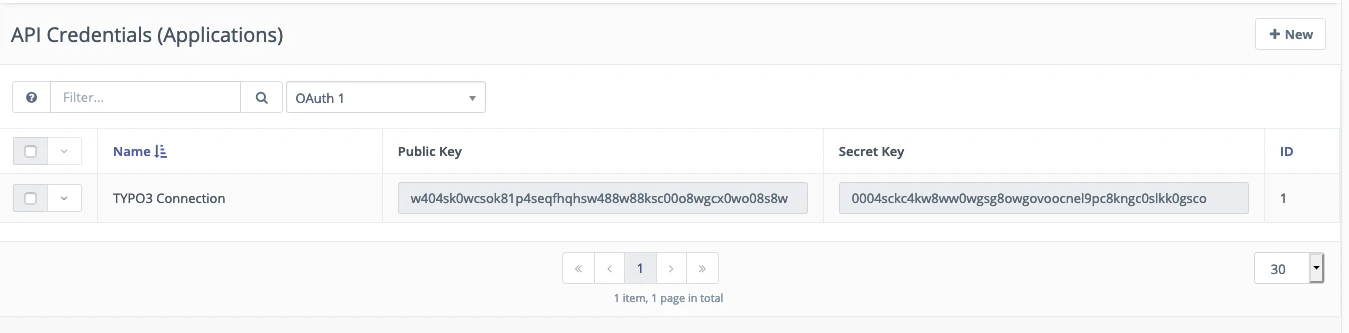
An entry with a generated “Public Key” and “Secret Key” should now appear in the table; we’ll need these later.
TYPO3 and Mautic are now linked, and we can begin using Mautic features in TYPO3.
For more details on integration and configuration, see the documentation for the “mautic” extension.
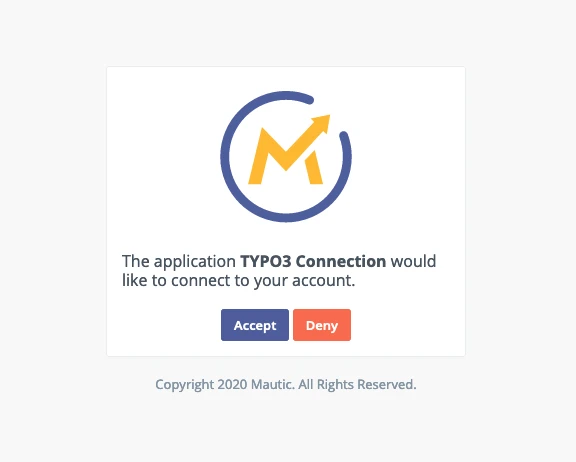
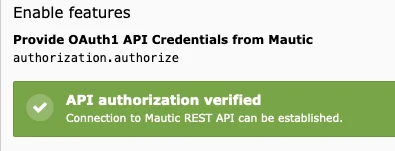
TYPO3 authentication in Mautic is actually the only critical issue that can lead to problems. There can be many reasons for authentication failure; these depend not least on the systems used and their respective settings.
Here are a few possible starting points for troubleshooting:
In Mautic, you can create custom forms under "Components" => "Forms." These can be simple contact forms, but also forms for offering additional information as downloads (assets).
Since embedding Mautic forms in TYPO3 via HTML isn’t very convenient, the “mautic” extension provides its own content element called “Mautic Form.” In the content element, you select the desired Mautic form from a dropdown menu, and it is then displayed accordingly on the front end.
If you prefer to create and manage your forms in TYPO3, this is also no problem when used in combination with Mautic.
When creating a new form using the “Forms” Backend module, simply check the “Advanced settings” box. In the second step, “Mautic Form” will then be available under “Form Prototype.” Here, you also have the option to use a sample form as a template, which already has the appropriate Mautic finishers set up. If you’d rather start with a blank form, you’ll need to add the necessary Mautic finishers at the end.
For each individual field, there is a new option called “Mautic Property Type,” where you must select which field in the results list the form field should be mapped to.
When you save the form, it is automatically created in Mautic. All submissions of the form are then stored and managed accordingly in Mautic.
Unfortunately, converting existing forms into Mautic forms is a bit more complicated. The form’s YAML configuration would need to be manually adjusted in many places, and the Mautic form would still have to be created manually in Mautic. In this case, it may make sense to recreate the desired form in the “Form” Backendmodule, but this time as a Mautic form.
Scoring in Mautic was already mentioned earlier. Mautic allows us to assign points based on a visitor’s specific activities; you’re not limited to adding positive points—you can also assign negative points.
Under “Points” => “Manage Actions” in Mautic, you can define the desired actions and assign points to them. Possible actions include submitting a form, visiting a specific page, or downloading an asset.
Also under “Points,” you’ll find the “Manage Triggers” menu item, where you can define actions that are triggered when a user reaches or exceeds a certain point value. For example, you can assign a user directly to a specific segment here.
But what exactly are segments? Segments are a way of categorizing or classifying the contacts registered in Mautic. So, when a user meets certain conditions, they can be assigned to a segment. This allows you, for example, to distinguish whether a contact is likely to make a purchase or not. Once Mautic is fully configured, the assignment of contacts to segments happens automatically in the background.
Further information on segments can be found in the Mautic documentation.
To ensure that dynamic content now works in TYPO3, “Personas” records must first be created there using the list module. In a “Personas” record, you’ll find a list of the segments created in Mautic, and you can link a Mautic segment to a TYPO3 persona by selecting it.
In content elements and pages, you’ll now find a new option on the “Access” tab: “Only for applicable personas.” This field works exactly like the one for user groups; here, you can control which content should be visible to which personas—or even what happens if no persona is assigned to a user.
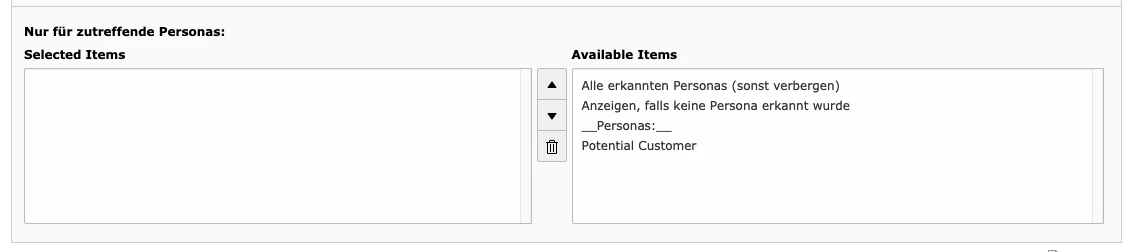
If a contact returns to the page and is assigned to a corresponding segment in Mautic, they will be shown content that is relevant to them.
For more information and features, take a look at the documentation for the "mautic" extension.