Cancel
Start searching

This search is based on elasticsearch and can look through several thousand pages in miliseconds.
Learn more


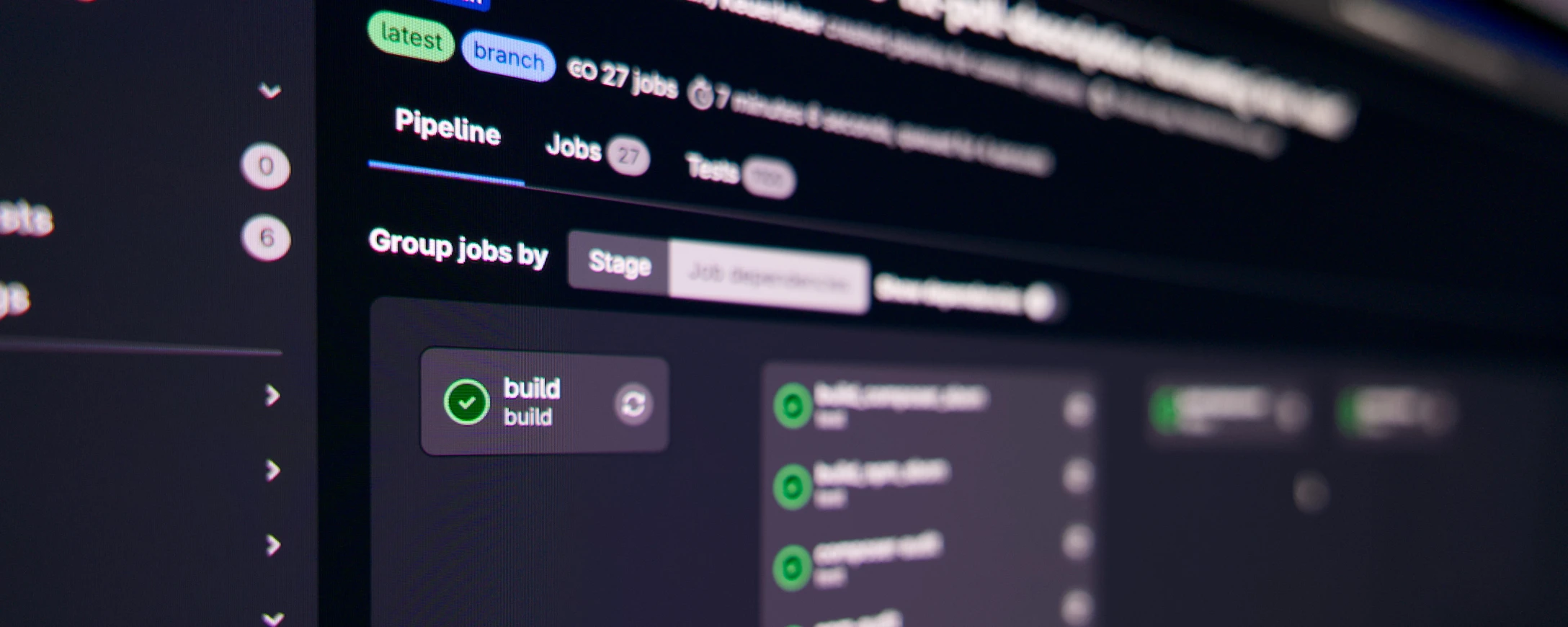
Like many other agencies, we use CI/CD in our projects. The principle is simple: developers write code, push it to GitLab, and after each push, automated build and test jobs run - e.g. static code analysis, acceptance tests, etc.
As soon as a merge into the main branch or a tag takes place, automatic deployments start in test and production environments.
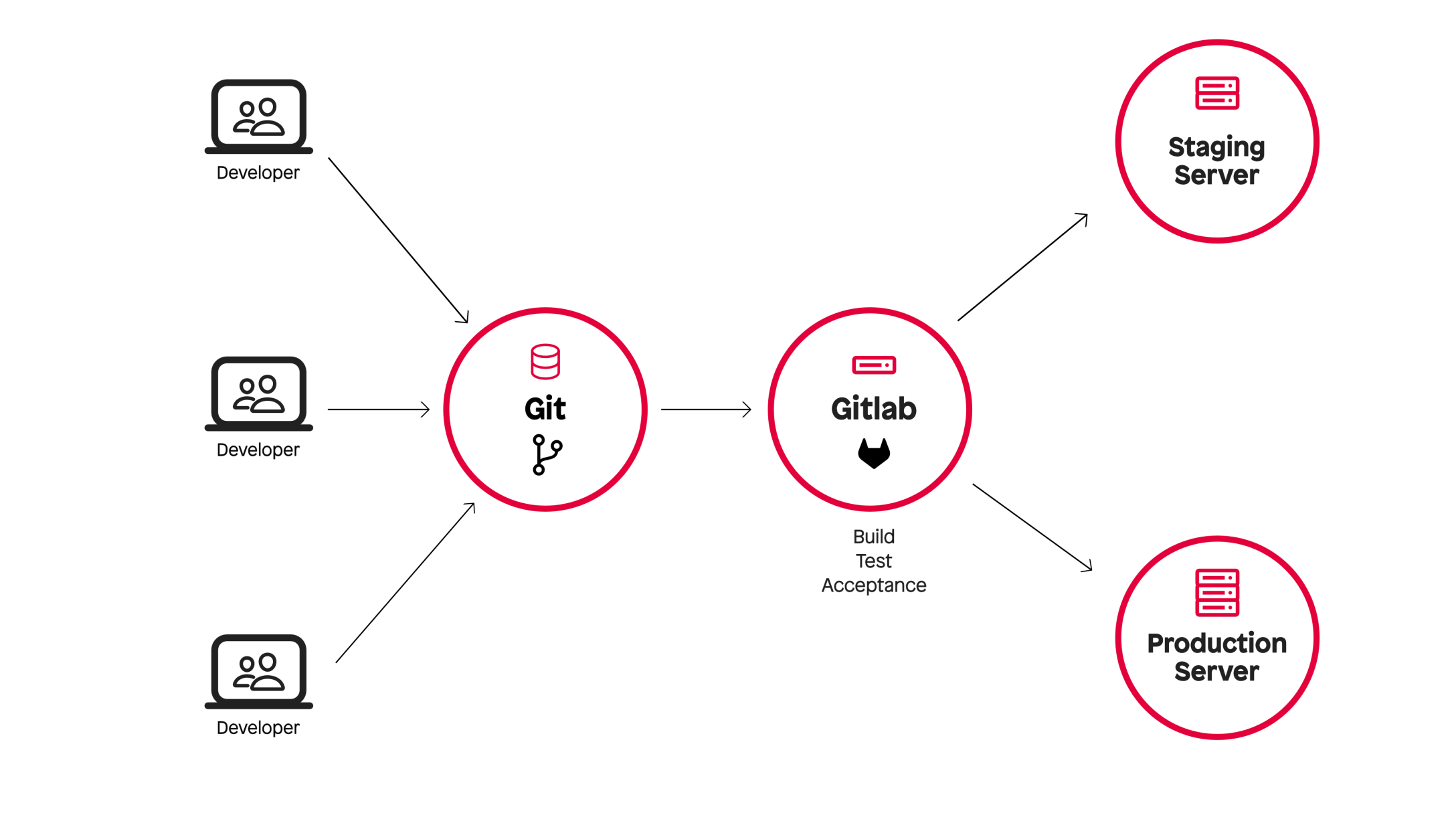
We used virtual machines from Hetzner Cloud for our CI jobs. The platform offers a good API, its own tools for GitLab CI and is "Made in Europe".
Our infrastructure consisted of three parts:
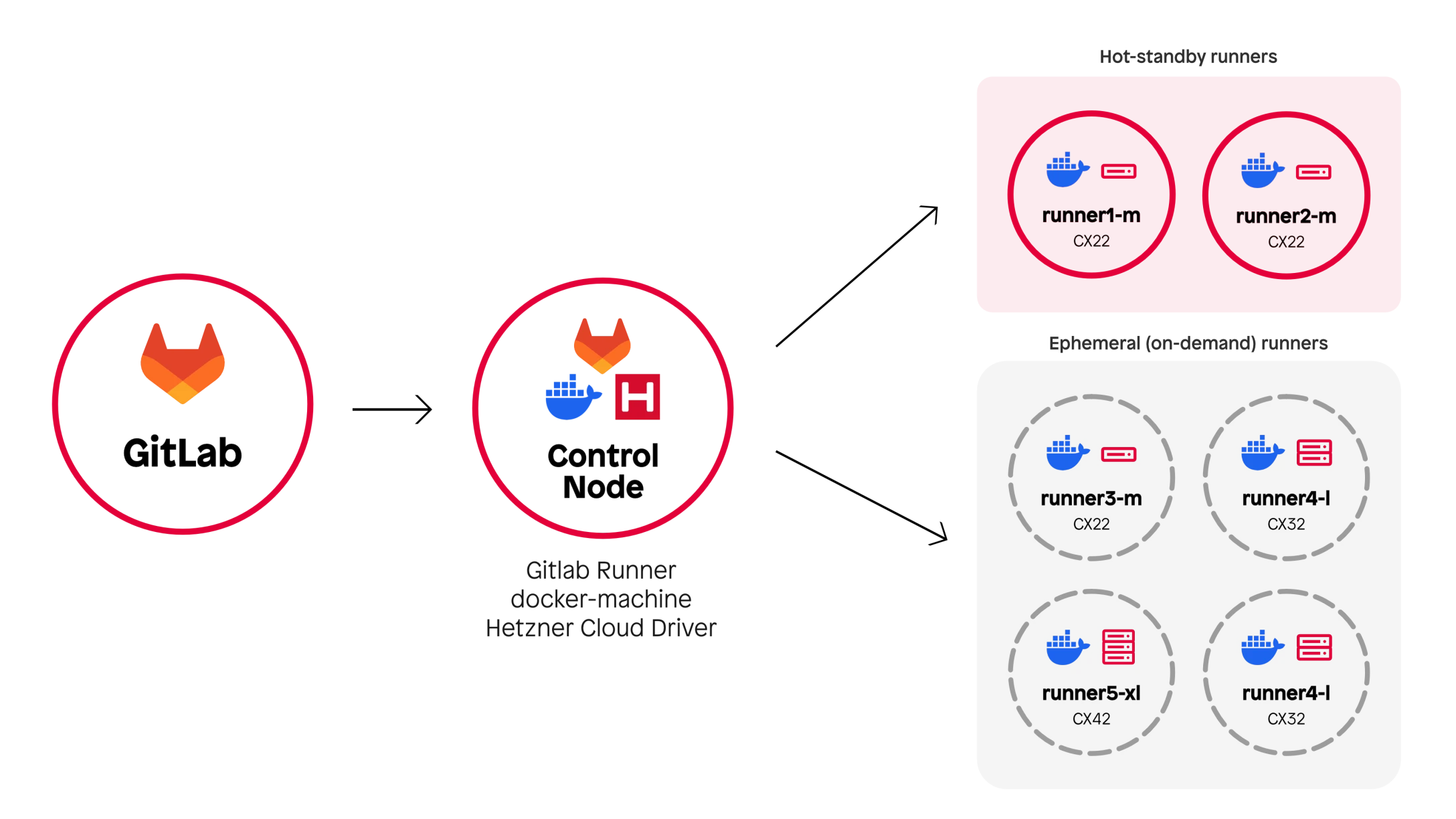
To avoid the start-up time when starting a VM, we kept a pool of VMs on standby during the day. The setup was stable and scalable for a long time.
As Hetzner's popularity grew, so did the load on its infrastructure. More and more CI jobs simply failed due to a lack of resources in Hetzner's data centers - sometimes after minutes of waiting, which was extremely frustrating.
No blame on Hetzner - they were simply victims of their own success.
The performance limits of the cloud instances also made themselves felt: Full-stack tests took up to 15 minutes, some test scenarios crashed with OOM errors.
In addition, docker-machine, the software for managing the Hetzner VMs, is now deprecated and is to be replaced by Fleeting - a new, plugin-based product developed by GitLab itself.
However, switching to Fleeting would not have solved our basic problem - the developers of the Hetzner plugin for Fleeting are also struggling with the problem of limited resources.
We briefly considered switching to the public cloud - i.e. GCP, Azure or AWS. All three providers are officially supported by Gitlab's Fleeting architecture, have a mature API for VM management and have been tried and tested by many other agencies.
Ultimately, however, we decided against them for the following reasons:

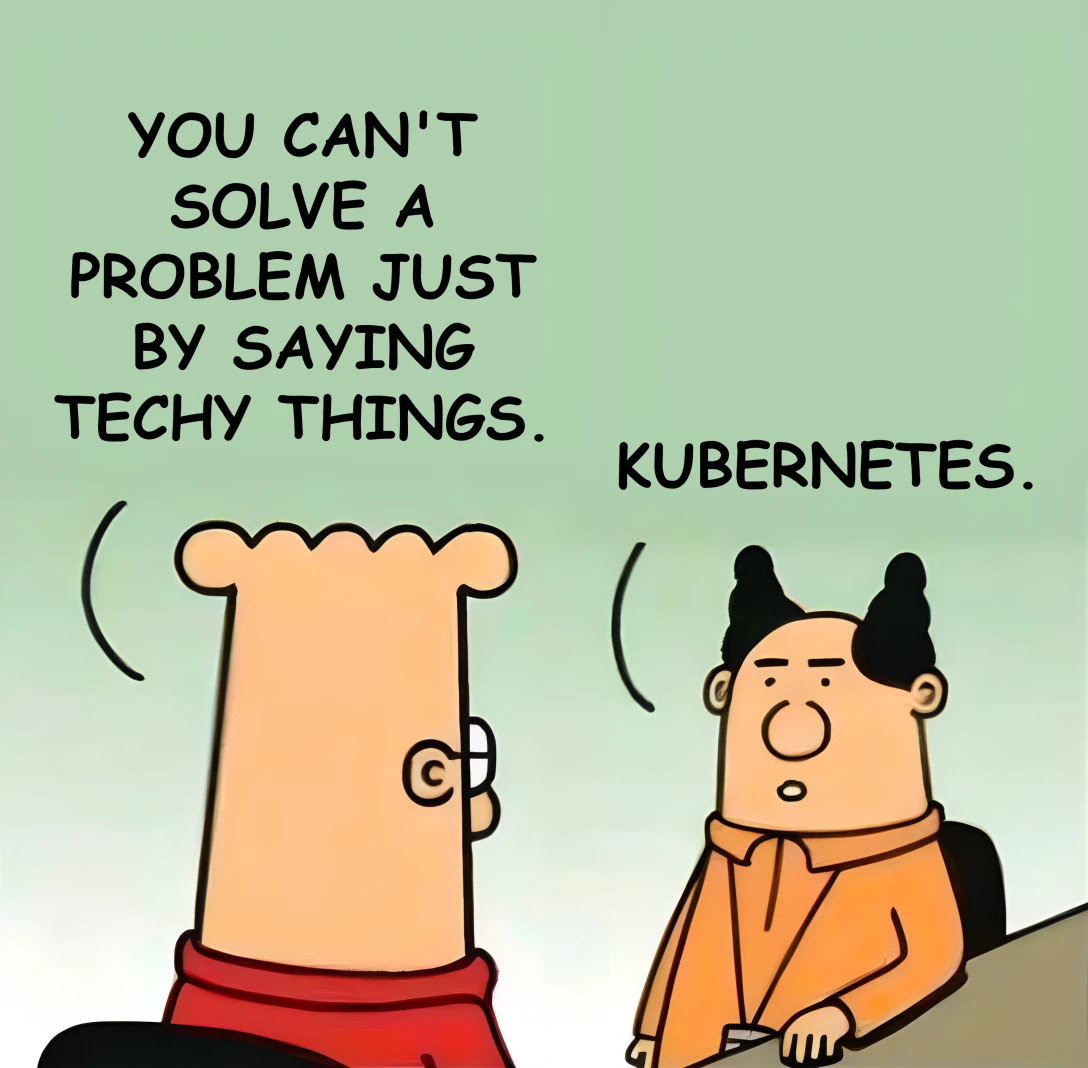
As IT specialists we know: Almost every problem can be solved with Kubernetes 🙂
Nevertheless, we decided against it.
In everyday life, we work with a completely different stack. Our day-to-day business is FreeBSD and Linux servers - we use containers almost exclusively in local development environments or for special edge cases.
Setting up a Kubernetes-based CI infrastructure from scratch would have meant a steep learning curve, a considerable amount of time and additional setup and maintenance work.
Unsatisfied with the alternatives, we spoke to TYPO3 core developer Stefan Bürk about their test infrastructure, how it came about and the challenges involved.
At first glance, their approach seems almost old-fashioned: instead of cloud VMs, TYPO3.org uses runners on dedicated bare-metal servers.
The effect: no waiting times for VM provisioning and enough power to run hundreds of CI tests continuously.
Instead of Docker, they rely on Podman, an OCI runtime with decisive advantages:
Inspired by TYPO3, we rented a dedicated AX102 server from Hetzner: 128 GB RAM, 16 CPU cores.
Instead of GitLab server + control node + cloud VMs, we now have: GitLab server + a powerful runner.

This brings immediate benefits:
TYPO3.org makes its Core Testing Infrastructure available to the community as a public service. Every contributor can use the CI infrastructure to test and validate their code.
This naturally requires a number of security measures:
In addition to these security aspects, there is a strong focus on a reproducible test workflow that can run both locally and in the CI.
There is a standardized test script called ./runTests.sh, which can also be executed on developer computers.
These measures work very well in the context of the TYPO3 test infrastructure, as only a single software project (TYPO3) is tested within clearly defined environments.
With punkt.de on the other hand, we use our CI to build and test a variety of projects based on different technologies - including TYPO3, of course, but also Neos, Keycloak, Sylius and Ansible.
In our case, however, restricting ourselves to certain OCI images and using a standardized test script would mean building in numerous exceptions and manually intercepting a lot of edge cases for the different projects and technologies.
As luck would have it, we had already migrated the majority of our CI pipelines to GitLab CI/CD Components.
Instead of writing a completely new pipeline for each project, we can define uniform, reusable and at the same time customizable components that can be imported into each project.
Examples: We have our own CI components for composer, npm, php-stan, php-cs, etc.
As a result, switching to Podman was essentially just a question of adapting these components to Podman. This meant that only minimal changes were necessary in the individual projects themselves.
Our full-stack tests run with docker-compose. Podman does offer podman-compose, but this is not fully compatible.
Missing features: Healthchecks and the --wait parameter. Solution: additional docker-compose.override.yml, in which healthchecks and service_healthy dependencies are deactivated, e.g.
services:
  php:
    depends_on: !reset null
  postgres_schema_modify: !reset null
  keycloak:
    depends_on: !reset null
Since we could not rely on health checks, we relied on simpler methods, such as repeated curl calls against endpoints until they returned "ready".
Apart from that, we were able to switch the tests to Podman with only minor adjustments.
Only Podman 4.x was available in the Ubuntu/Debian repositories at the time ofpunkt des setup - with known bugs in DNS resolution. We had to hard-code domain names to avoid problems.
The bugs are fixed in Podman 5.x, which is only included in Ubuntu 25.04. Our solution: Include packages from 25.04 and pin the Podman-dependent packages. Not ideal, but functional.
The switch was worth it - the figures speak for themselves:
And most importantly: no more unstable jobs due to lack of resources.
Previously, we paid between €200 and €240 per month for the cloud infrastructure.
Now: €104 for an AX102-Runner - with significantly more performance.
The machine is still a long way from reaching its limits.
Of course, this setup is not perfect either. Things to keep in mind:
On the other hand, there are clear advantages:
After a few months of use, we are convinced that the switch from cloud VMs to bare metal was absolutely worth it.
To make the switch easier for others, we have published the Ansible role we used to set up our GitLab Runner. Try it out, set up your own runners and give us feedback.
And if you also want to speed up your pipelines and reduce costs at the same time, we also offer GitLab consulting - contact us for details.