Cancel
Start searching

This search is based on elasticsearch and can look through several thousand pages in miliseconds.
Learn more


Sooner or later, the story appears in the backlog of every software project:
"As a user, I want to be able to log in to ..."
Sounds harmless. Your development team or service provider will probably reassure you: "No problem, login is standard - the framework or CMS already includes it."
And of course - how could a web store work without customer recognition?
At first glance, the topic seems trivial:
A database stores the user name and hashed password, a login screen requests the access data, a session handler manages the session - a standard feature of any software or something you can quickly build yourself.
Sounds simple. But it's not!
Because as soon as the basic structure is built, the real requirements come - and these are usually far from "standard":
What initially looks like a small login screen quickly becomes a complex, security-critical construction site.
And even if time and budget are not an issue - which is rarely the case - a tried and tested principle applies: "Don't roll your own crypto" - or loosely translated: "Never implement security-relevant features yourself - especially not authentication".
History is full of cases in which even experienced developers have created massive security gaps with their own Auth solutions - simply because they underestimated how deep and broad the topic is.
When it comes to registration, authentication, authorization, single sign-on or identity federation, one thing is clear: the world of Identity & Access Management (IAM) systems is at least as complex as that of store, CMS or PIM systems.
It is therefore only logical to use dedicated, specialized software for this part of the application. As an ardent advocate of open source software, we rely on the top dog in this area: Keycloak.
Keycloak is the Swiss army knife for identity and access management - open source, powerful and flexible. The project was launched by Red Hat in 2014 to provide a modern, flexible solution for secure user management in web and mobile applications. Whether OAuth 2.0, OpenID Connect or SAML 2.0 - Keycloak masters them all and can be elegantly integrated into existing architectures.
Since the takeover of Red Hat by IBM, the further development of Keycloak has been handed over to the Cloud Native Computing Foundation (CNCF) - where projects such as Kubernetes also thrive. Instead of drifting into proprietary paths, IBM has deliberately opted for an open path: Keycloak remains completely open source - without hidden "paid features" or enterprise lock-ins.
The result: development has noticeably picked up speed. New features, modern architectures and continuous improvements are now coming faster than ever - supported by a growing, active community.
Keycloak's feature list is extensive - too long to list in full here. But instead of a dry list, let's take a look at what Keycloak actually does - along the typical user journeys.
What does a user experience when logging in? What does an admin need in everyday life? This is exactly where Keycloak shows its strengths - and why it is usually far superior to classic built-in or DIY solutions.
As a user, we start in the application as normal - one click on the login button and we land on the login page. What we hardly notice: We are already in the Keycloak authentication service. Because its interface can be seamlessly adapted to the design of the app, the transition feels absolutely natural.
Depending on the configuration, various login options are available to us. In addition to the classic login with user name and password, modern methods such as passwordless login via passkey or social logins via services such as Facebook, GitHub or - in the corporate context - Entra ID are also possible.
The next step is usually two-factor authentication, which is almost standard today. Keycloak supports a wide variety of methods here, including one-time codes from authenticator apps or by SMS, confirmation by email, PassKeys or the use of FIDO2-compatible devices.
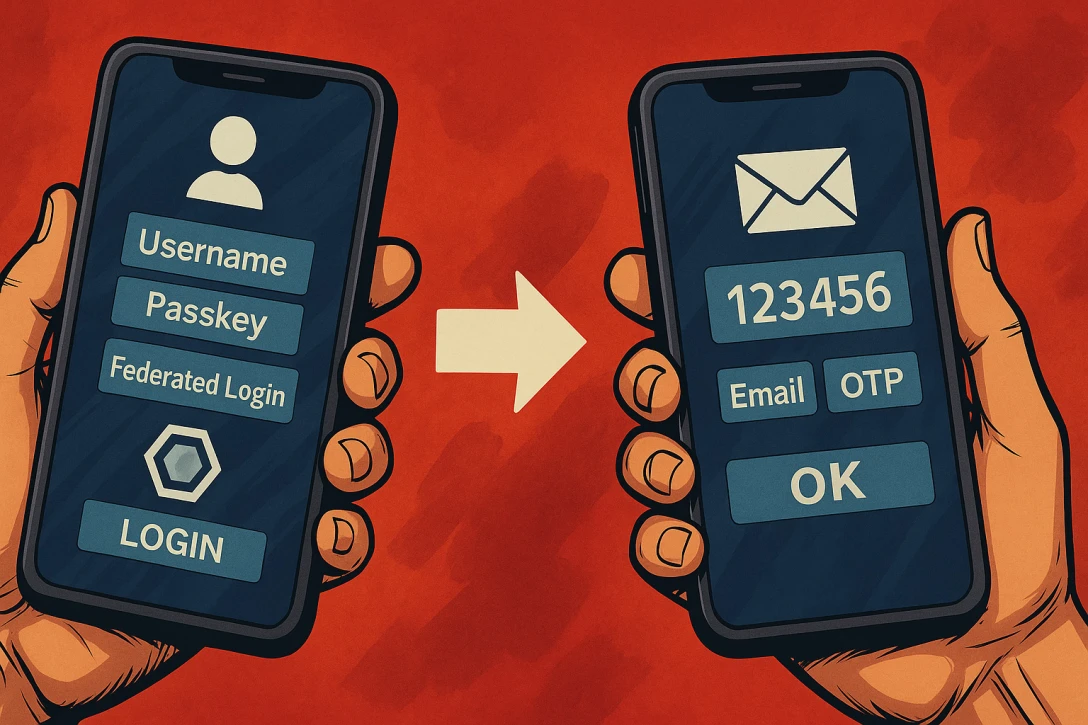
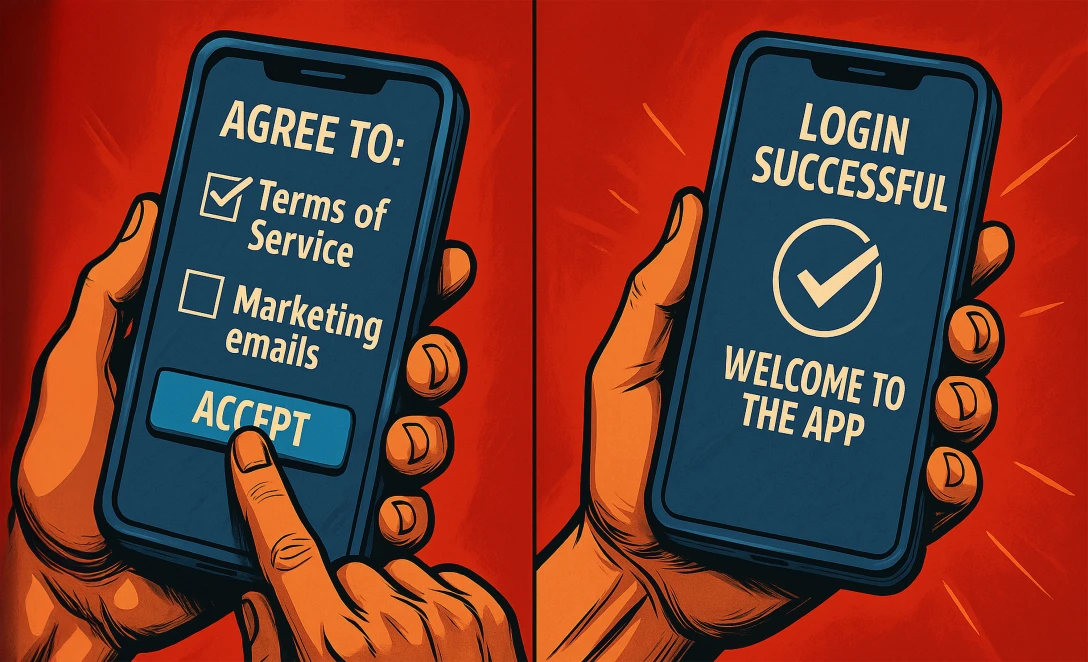
But Keycloak can do more than just "Login". Additional actions may be required immediately after logging in - so-called "required actions". These can be, for example, the acceptance of terms and conditions, the initial setup of an MFA method or the completion of profile information.
Such steps can also be triggered at a later point in time, for example when changing a password or adding further profile information, for example when expanding the service used.
After successful authentication, Keycloak returns control to the application - including a token that contains all relevant information about our identity and access rights.
We also have access to a convenient self-service interface. Here we can maintain our profile data, manage authentication methods or see on which devices and in which browsers we are currently logged in - and end these sessions directly if necessary.
From an admin perspective, Keycloak also quickly shows that it is far more than just a login service. The platform offers an impressively flexible set of functions that can be used to customize almost every aspect of user management and authentication. In order not to go beyond the scope of this article, we will take a look at some of the central options as examples.
When creating user profiles, it becomes clear just how customizable Keycloak is. In addition to the classic attributes such as first name, surname, user name and email, any number of additional fields can be defined - for example for personal characteristics, internal IDs or industry-specific information. Each of these attributes can be provided with its own rules, validations and authorizations - clearly grouped and, of course, named in multiple languages.
Password guidelines can also be defined granularly: Character lengths, complexity requirements, expiry intervals - everything can be controlled via the interface. New users either enter their data themselves when registering or they are requested at a later point in time - for example, after the first login.
The actual login process in Keycloak has a modular structure and is fully configurable. What steps does a user have to go through when logging in? Which are optional and which are mandatory? Do terms and conditions have to be accepted at the first login, a second factor set up or additional data added? All of this can be easily configured via the admin interface - without programming.

As a central SSO provider, Keycloak manages not just one connected application, but any number of clients. These can be configured individually - including the protocols to be used such as OAuth2, OpenID Connect, SAML or SCIM with all parameters. It is possible to control exactly which user data may be transferred to which client.
Auditing and traceability are particularly important for professional operations. Keycloak documents all relevant actions - from login and profile changes to policy violations. These events can be searched and provide valuable insights for support, debugging or compliance purposes.
What sounded so harmless at the beginning - "A login form for our users" - quickly turns out to be a complex, security-relevant key component of your application.
The more a project grows, the more the requirements increase: Passwords, 2FA, social logins, self-service, rights management, data protection compliance, SSO - and all of it secure, maintainable and user-friendly, please.
Even if you or your team are technically capable of implementing these requirements on your own - why should you?
Keycloak offers all this out-of-the-box, completely open source, flexibly customizable and with the support of a strong community.
Instead of investing time, money and nerves in in-house developments, you can concentrate on what really makes your project special - and be sure that authentication and authorization will grow with all future challenges and developments.
I've convinced you and Keycloak fits your architecture - but you don't have the time or expertise to implement it? We have many years of experience in implementing Keycloak in a wide variety of usage scenarios. Talk to us - our specialists will support you right from the start.