Cancel
Start searching

This search is based on elasticsearch and can look through several thousand pages in miliseconds.
Learn more


Sooner or later, this story pops up in the backlog of every software project:
“As a user, I want to be able to log in so that I can…”
Sounds harmless. Your development team or service provider will probably reassure you: “No problem, login is standard—the framework or CMS already handles that.”
And sure—how could an online store even function without user authentication?
At first glance, the topic does seem trivial:
A database stores the username and hashed password, a login form requests the credentials, and a session handler manages the session—a standard feature of any software or something you can quickly build yourself.
Sounds simple. But it’s not!
Because as soon as the basic framework is in place, the real requirements come into play—and those are usually a far cry from the “standard”:
What initially looks like a simple login screen quickly turns into a complex, security-critical project.
And even if time and budget aren’t an issue—which is rarely the case—there’s a tried-and-true principle: “Don’t roll your own crypto.” Or, to put it simply: “Never implement security-related features yourself—especially not authentication.”
History is full of cases where even experienced developers have created massive security vulnerabilities with their own authentication solutions—simply because they underestimated how deep and broad the subject is.
When it comes to registration, authentication, authorization, single sign-on, or identity federation, one thing is clear: The world of Identity & Access Management (IAM) systems is at least as complex as that of e-commerce, CMS, or PIM systems.
Therefore, it only makes sense to use dedicated, specialized software for this part of the application as well. As ardent advocates of open-source software, we rely on the market leader in this field: Keycloak.
Keycloak is the Swiss Army knife of identity and access management—open source, powerful, and flexible. The project was launched by Red Hat in 2014 to provide a modern, flexible solution for secure user management in web and mobile applications. Whether it’s OAuth 2.0, OpenID Connect, or SAML 2.0—Keycloak supports them all and integrates seamlessly into existing architectures.
Since IBM’s acquisition of Red Hat, further development of Keycloak has been handed over to the Cloud Native Computing Foundation (CNCF)—the same home where projects like Kubernetes thrive. Instead of drifting toward proprietary solutions, IBM has consciously chosen an open path: Keycloak remains fully open source—with no hidden “paid features” or enterprise lock-ins.
The result: Development has noticeably picked up speed. New features, modern architectures, and continuous improvements are now coming faster than ever—driven by a growing, active community.
Keycloak’s feature list is extensive—too long to list in full here. But instead of dry bullet points, let’s take a look at what Keycloak actually does—by following typical user journeys.
What does a user experience when logging in? What does an admin need on a day-to-day basis? This is exactly where Keycloak shows its strengths—and why it’s usually far superior to traditional built-in or DIY solutions.
As users, we start the app just as usual—one click on the login button, and we’re taken to the login page. What we hardly notice in the process is that we’re already inside Keycloak’s authentication service. Because its interface can be seamlessly adapted to the app’s design, the transition feels completely natural.
Depending on the configuration, various login options are available to us. In addition to the classic login with a username and password, modern methods such as passwordless login via passkey or social logins through services like Facebook, GitHub, or—in an enterprise context—Entra ID are also possible.
The next step is usually two-factor authentication, which is practically standard today. Keycloak supports a wide variety of methods here, including one-time codes from authenticator apps or via SMS, email confirmation, passkeys, or the use of FIDO2-compatible devices.
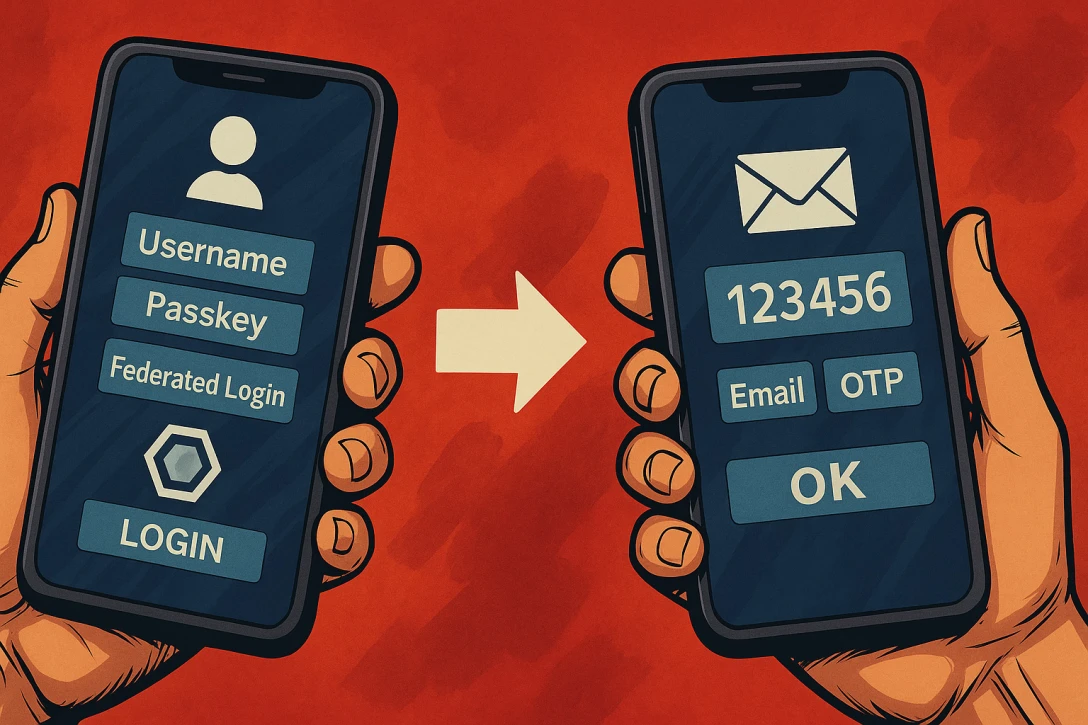
But Keycloak can do more than just “login.” Immediately after logging in, additional actions may be required—so-called “required actions.” These could include, for example, accepting the terms and conditions, setting up a multi-factor authentication (MFA) method for the first time, or adding profile information.
Such steps can also be triggered at a later time, such as when changing a password or adding further profile details—for example, when expanding the range of services used.
After successful authentication, Keycloak returns control to the application—along with a token that contains all relevant information about our identity and access rights.
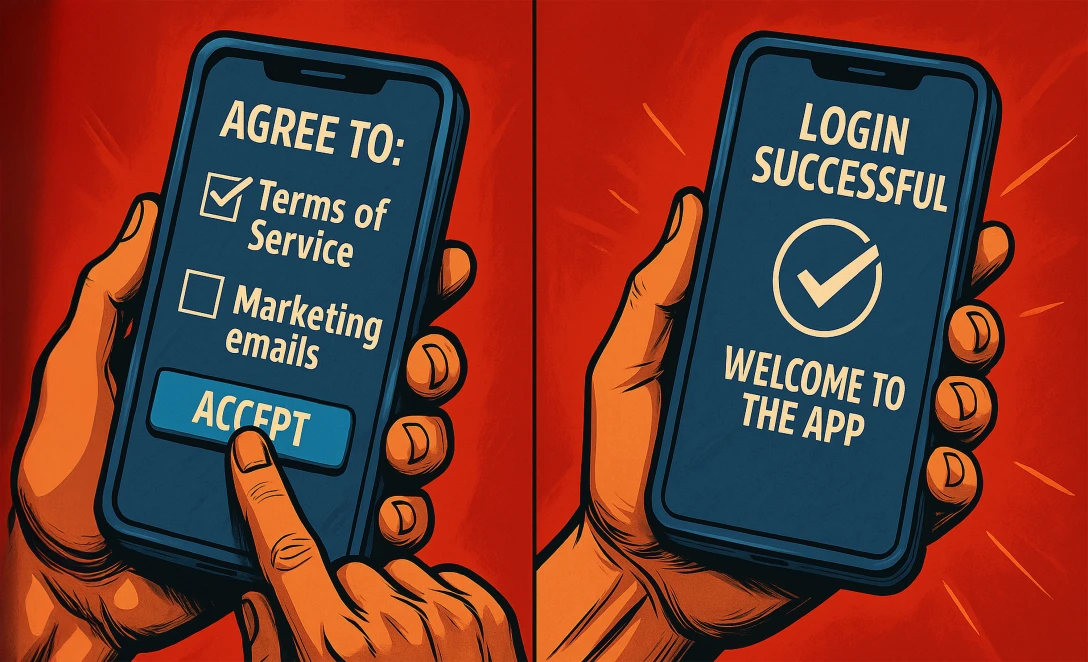
In addition, we have access to a user-friendly self-service interface. Here, we can update our profile information, manage authentication methods, or see which devices and browsers we’re currently logged into—and end those sessions directly if needed.
From an administrative perspective, Keycloak quickly demonstrates that it is much more than just a login service. The platform offers an impressively flexible set of features that allows virtually every aspect of user management and authentication to be customized. To keep this article concise, let’s take a look at a few key capabilities as examples.
Even when creating user profiles, it becomes clear just how customizable Keycloak is. In addition to standard attributes such as first name, last name, username, and email, you can define as many additional fields as you like—for example, for personal characteristics, internal IDs, or industry-specific information. Each of these attributes can be assigned its own rules, validations, and permissions—clearly grouped and, of course, named in multiple languages.
Password policies can also be defined in detail: character lengths, complexity requirements, expiration intervals—everything can be controlled via the interface. New users either enter their information themselves during registration or are prompted to do so at a later time—for example, after their first login.
The actual login process in Keycloak has a modular structure and is fully configurable. What steps must a user go through during login? Which of these are optional, and which are required? Do users need to accept the terms of service, set up two-factor authentication, or provide additional information during their first login? All of this can be conveniently configured via the admin interface—without any programming.

As a central SSO provider, Keycloak manages not only a single connected application but any number of clients. These can be configured individually—including the protocols to be used, such as OAuth2, OpenID Connect, SAML, or SCIM, along with all their parameters. This allows for precise control over which user data may be transferred to which client.
Particularly important for professional operations: auditing and traceability. Keycloak logs all relevant actions—from logins and profile changes to policy violations. These events can be searched and provide valuable insights for support, debugging, or compliance purposes.
What sounded so harmless at first—“A login form for our users”—quickly turns out to be a complex, security-critical component of your application.
The more a project grows, the more demanding the requirements become: passwords, 2FA, social logins, self-service, access management, data protection compliance, SSO—and all of this needs to be secure, maintainable, and user-friendly.
Even if you or your team have the technical capability to implement these requirements on your own—why should you?
Keycloak offers all of this out-of-the-box, fully open source, flexibly customizable, and backed by a strong community.
Instead of investing time, money, and energy into in-house development, you can focus on what really makes your project special—while being confident that authentication and authorization will scale with all future challenges and developments.
Have I convinced you that Keycloak is a good fit for your architecture—but you lack the time or expertise to get it up and running? We have years of experience implementing Keycloak in a wide variety of use cases. Reach out to us—our specialists will guide you every step of the way.