Cancel
Start searching

This search is based on elasticsearch and can look through several thousand pages in miliseconds.
Learn more


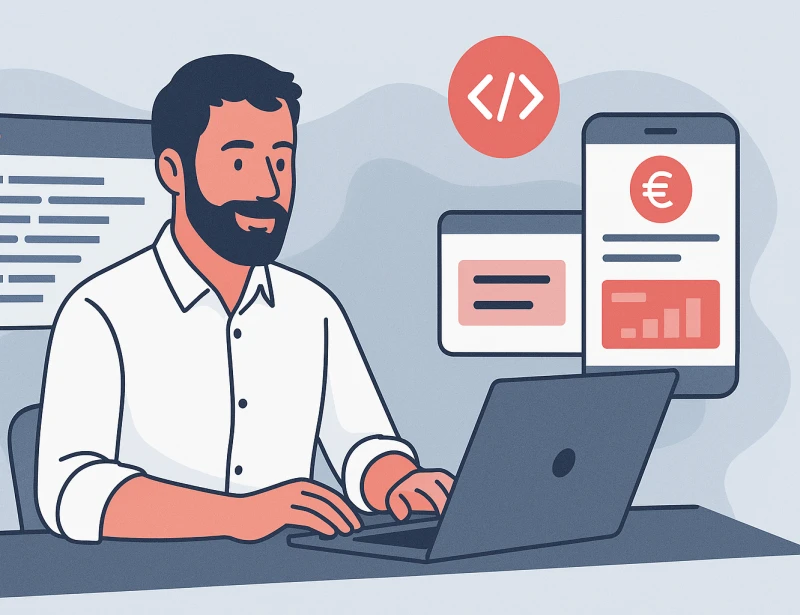
I'm not a full-time developer, to be honest I never was. I've been a technical product owner for years and have a certain understanding of our setups, but programming is definitely not my day job. That's exactly why I wanted to find out how far you can get with a tool like Cursor by simply building a small internal tool yourself - without claiming to be a "real" developer.
My first reflex: "If it's possible, then it's possible." I used to work locally with MAMP (around 2010); today I know: we run Docker/Podman, services cleanly separated, everything in containers. So I took my cue from our projects and suggested a "grown-up" combination to Cursor: Postgres as the DB, Next.js for the API/backend layer, React for the frontend.
Cursor promptly put this on the road - but unfortunately the road kept breaking. Sometimes a container wouldn't start, sometimes the routing was messed up, sometimes some secondary container blocked the rest. And while our dev machines with 64 GB RAM smiled wearily at this, my good management box was running hot: five parallel containers to render ... a start page. Seriously?
First learning: "Slimming architecture" by prompt sounds good, but rarely works. Cursor claims to be able to do this, but once a project has taken off in the wrong direction, throwing it away and starting again is almost always faster and cleaner. I have set up my budget app from scratch five times. The knowledge stays in your head - the code can go. The idea was to develop an app that automatically provides an overview of all budgets in the company by using data from our time recording and the various offers. This allows me to access all relevant information without having to manually search through the individual projects.
After the big bang failure, the next (wrong) idea came: "It's AI - if I give it even more context, it will choose a smart architecture." And it did. Formally correct. Practically unusable. Cursor started building with commitment, adding layer after layer, and after two hours it was more work to capture than to start again.
So I changed direction: step by step instead of a master plan. My first really functional cursor app was therefore not the budget app, but a small monitoring dashboard for the team.
Of course, our teams don't actually need such a monitor. We switched to sensible alerting strategies years ago - a screen in the office that flashes red is not the most practical solution, especially for mobile working. But to get started with cursor prompting, you need a use case that is manageable and still brings benefits. And honestly, there's something reassuring about walking through the team room and seeing green status indicators - even if I know that everyone will be notified of errors in a different way anyway.
The prompt was radically simple: "Take this API and show me the result on a dashboard." No architecture essay, no database discussion. And suddenly it worked: Node.js in the backend, React in the frontend, data storage initially very pragmatically in JSON because I didn't need persistent storage yet. Not pretty, not final - but the first real sense of achievement.
Once the dashboard was up and running and the first green ads were running, the question naturally arose: "Okay, what do I do with it now?" The next step was to access real systems - in my case GitLab and Uptime Kuma - so I needed API keys.
And this is where it suddenly becomes exciting for someone like me, who is not an experienced developer: access and authorizations are not a side issue. Sure, as a managing director I have relatively extensive accounts, but I'm not experienced in handling sensitive data via APIs or databases. This is exactly where exchanging ideas with experienced developers helps enormously - so that you don't accidentally grant too generous access or build something that you later regret.
My personal guardrail: read-only interfaces. I explicitly told Cursor again and again not to generate any write endpoints. Even better: API keys that only have read access on the server side. That way I can't accidentally change live data in the first place.
The app ran locally, and yes, I was proud as punch. But of course: it's no use to anyone on my computer alone. So the thing had to go "into the team room", i.e. onto a server.
This is where KI really got it wrong. I tried to bring the project with Cursor directly onto one of our proServers . What happened next was, to put it kindly, spooky: Cursor used my SSH keys quite unasked, read the server documentation and even seemed to recognize which pro server had sudo and which user was just a normal user - and then started screwing around on the server with the "right" users. Fortunately, it was an empty server that I only used for this purpose.
The result? Somehow the app was there, somehow something was working - but nothing good arrived in the browser. It wasn't really stable.
In the end, I went to our DevOps colleagues. They put it behind a reverse proxy, paid attention to security and generally had a look at what the app was actually doing. Conclusion: Deploying production only with a cursor was a shot in the arm - I won't do it again. Especially when rolling out: security > speed.
It was precisely at this point that we realized that if people who don't develop on a daily basis work with such tools, we need clear, management-compatible guidelines in addition to the existing engineering standards. So my management colleague - who really is a very good developer - and I sat down and had an intensive discussion about what must be, what can be and how we should deal with it. That's material for a separate blog post.
👉 If you would like to find out how you can create space for such experiments in your company - with clear services in the background and secure guard rails - please get in touch.
👉 And if you'd like to talk to me directly about cursors, AI coding and the practical benefits for project managers, please get in touch - I'm happy to share my experiences and look forward to the exchange.