Cancel
Start searching

This search is based on elasticsearch and can look through several thousand pages in miliseconds.
Learn more

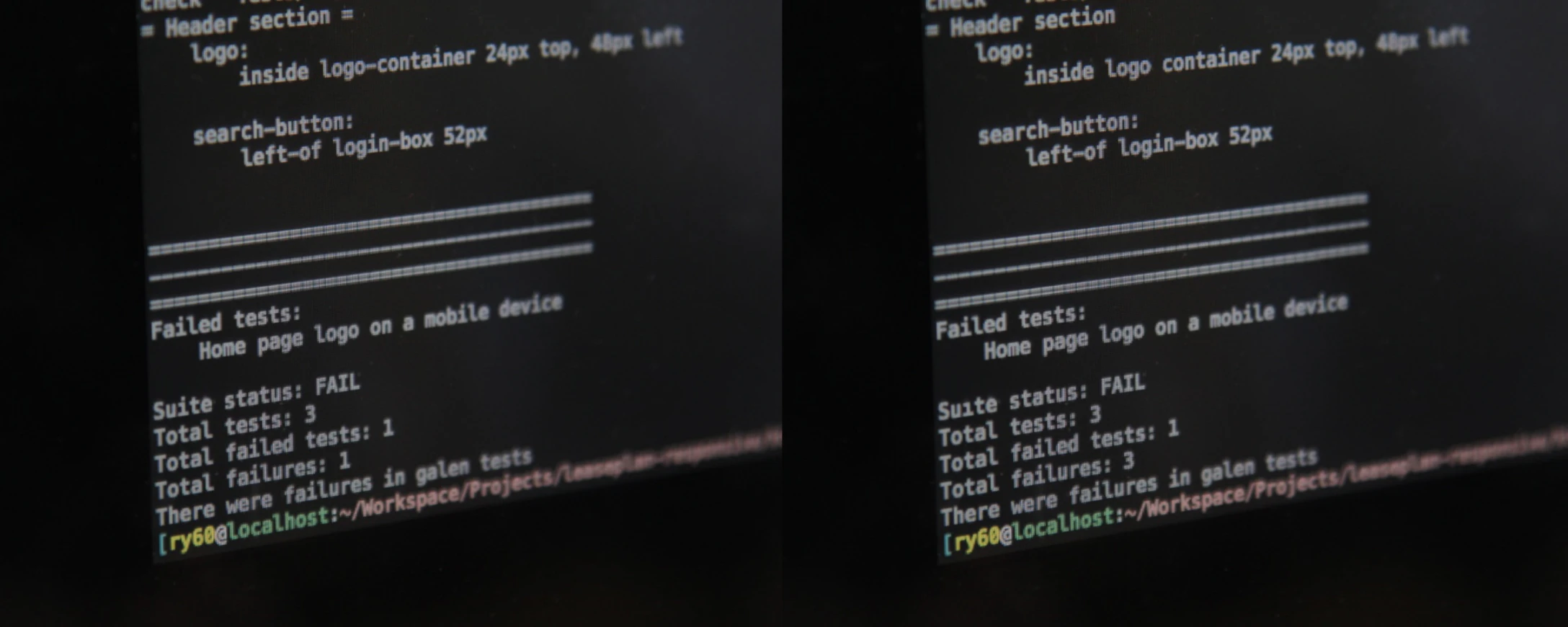
Layout testing can be compared to error-finding images, since most of the tools used for this purpose perform a pixel-by-pixel comparison of a target layout with the actual state. However, in web application development, these tests aren’t meant to be a source of amusement for developers; rather, they’re a tool for improving software quality. This is because the reasons for a web design that appears “broken” usually lie in the source code—particularly in the CSS, which often becomes unmanageable on more complex websites—especially when work on the site has been ongoing for years. It could just as easily be because a new team is working on the project and doesn’t understand the old code. For the website user, however, the result is the same: a site that may not appear professional and, in the worst case, is even unusable due to misalignments and shifts. But there is a solution: layout testing is the magic word here. Checking an entire website “by hand” for layout errors—especially when it comes to responsive websites—is not only very tedious, but in the end, you usually still won’t find all the errors anyway.
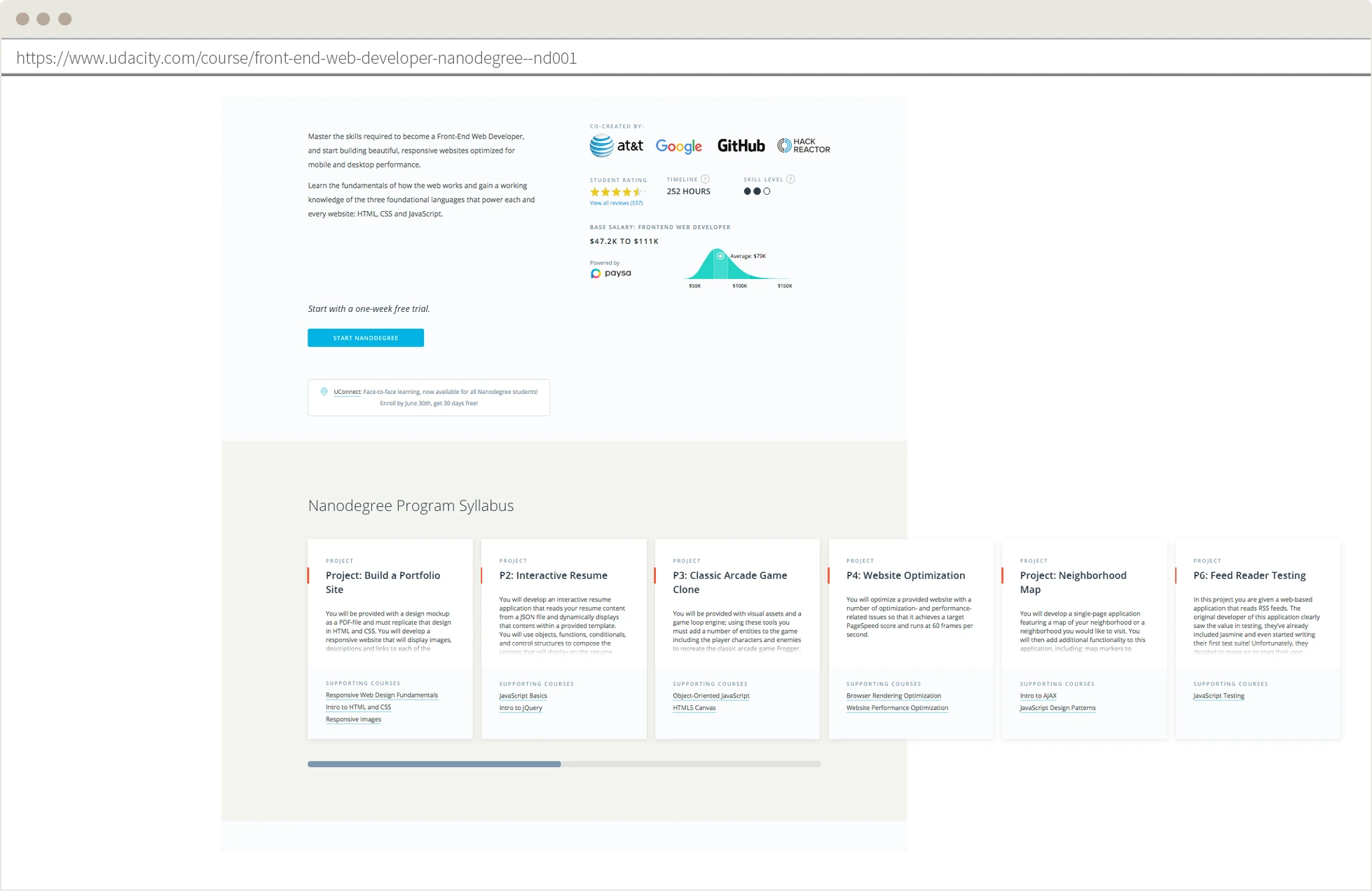
Automated testing has become indispensable in today’s software development. However, the focus is usually on unit tests to test individual classes and code modules, or on functional tests that verify whether individual functions—such as the login process—work as intended. Above all, they make future work on the same project easier because errors caused by changes to the code are immediately flagged. Performance tests are also sometimes considered, especially for web projects that experience high, sustained traffic or peak loads. However, not many people have realized yet that the layout can and should also be tested. Especially in times of rapidly increasing mobile traffic, it is important—and can even be business-critical—that a design works on all devices and screen sizes.
Agencies whose developers and testers implement layout testing have the advantage of immediately seeing if new code has unexpectedly changed something in the layout—yes, that can happen (usually unnoticed). So, if automated tests run regularly, errors can be quickly detected and fixed before the client encounters the issue, which would otherwise reflect poorly on the agency.
But clients also benefit enormously when they have their web applications covered by layout tests. If buttons are scaled too small on smartphones, elements are spaced too far apart from other elements, or—for example—product images aren’t displayed on e-commerce sites like
, this can have a negative impact on their sales, since users usually punish poor usability immediately by not making a purchase. Furthermore, automated layout tests make it easier for developers to find, isolate, and quickly fix errors! Especially with web applications that have a large number of different subpage designs, it’s impossible to keep track of everything. Once implemented, layout tests can thus also serve, at least in part, to test usability.
At Developer Week, we provided a deeper insight into layout testing, including more use cases, suitable tools that even website operators with limited programming knowledge can use, and—most importantly—tips for technical implementation. t3n has written a summary of this presentation: http://t3n.de/news/layout-testing-717829/ and we’ve uploaded the corresponding slides to SlideShare:
https://de.slideshare.net/punktde/punktde-layouttesting-was-geht-was-bringts-wer-brauchts