Cancel
Start searching

This search is based on elasticsearch and can look through several thousand pages in miliseconds.
Learn more

Pages are an essential component for structuring your website. For this reason, TYPO3 provides editors with several built-in page types for various use cases.
The most commonly used page type is likely the standard page, where editors can enter and format their content.
However, there are also other, more specialized page types that offer specific capabilities. Examples include internal links, links to other websites, or folders for structuring content.
Each of these page types has various settings that editors can edit via the page properties in Backend. In addition to the page title, these include settings such as:
However, editing these properties can sometimes be a bit cumbersome for editors. The edit button consists only of a small icon at the top, and the page properties are sometimes extensive and spread across various tabs. Editors have to search to find the desired field on one of the tabs.
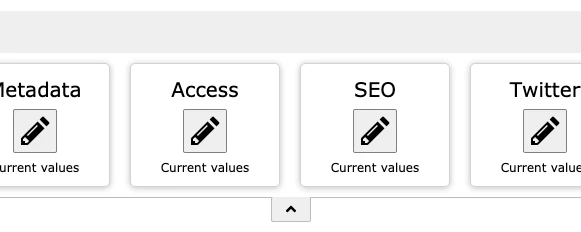
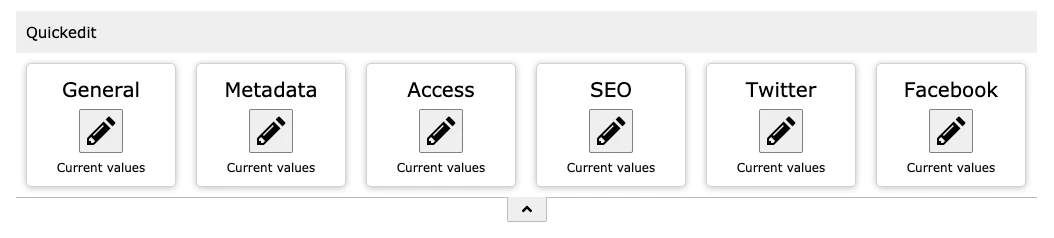
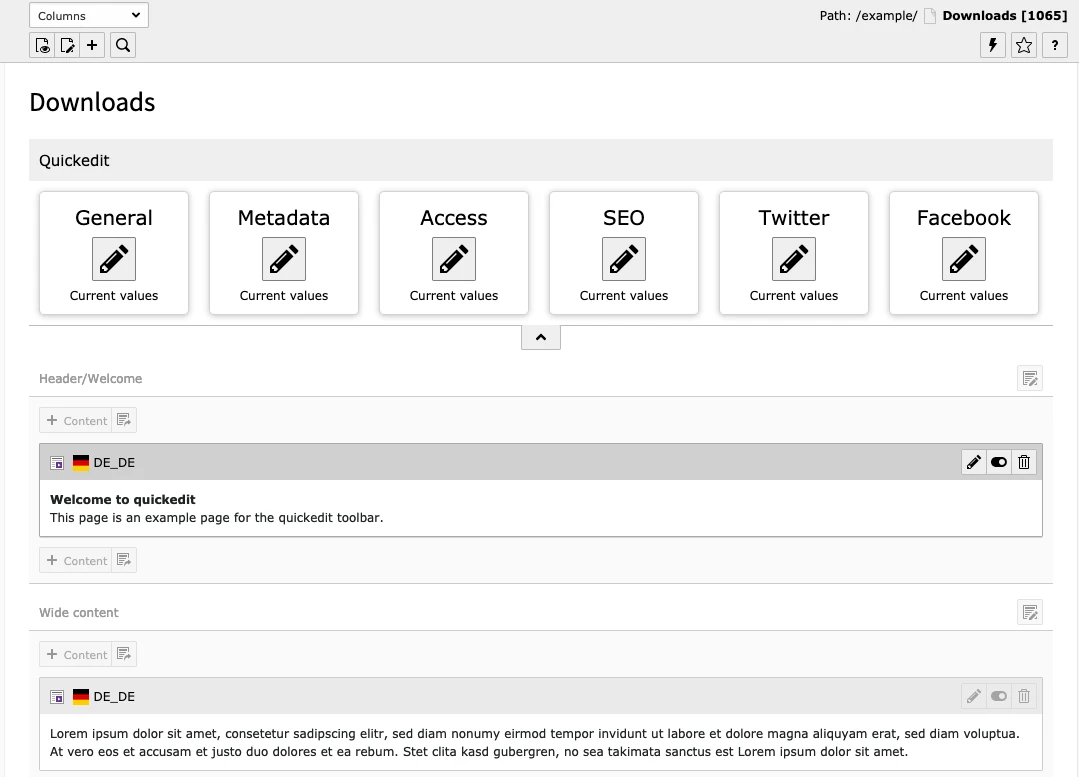
The goal of the Quickedit Toolbar we’ve developed is therefore to provide editors with faster access and a more intuitive way to organize page properties. To achieve this, fields in the toolbar can be grouped together, for which an edit button is then displayed.
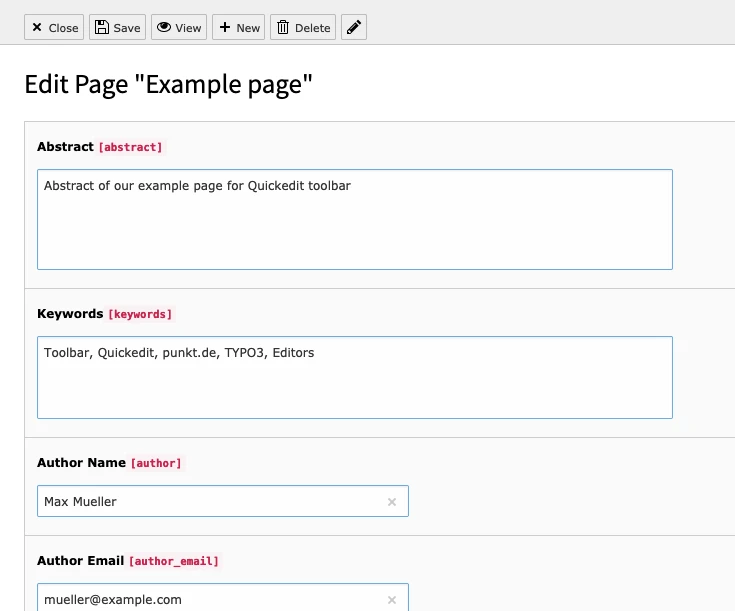
This button opens the page properties, but only the fields belonging to that group are displayed. All other fields are initially hidden, eliminating the need for lengthy searching and navigation.
For example, an “SEO” button would contain only the fields relevant to that topic.
The extension can be installed in TYPO3 using the usual methods:
After activating the extension, all that’s left to do is integrate the Quickedit extension’s PageTS for standard page types on the homepage.
The toolbar is now available to every Backend user and displays the corresponding buttons for all standard page types.
If you do not want the toolbar to be available to certain users or user groups, you can disable it using an option in the user or group settings.
The PageTS for configuring the toolbar might look like this:
mod {
    web_layout {
        PageTypes {
            // Default Page (ID = 1)
            1 {
                config {
                    // Button "General"
                    10 {
                        label = LLL:EXT:quickedit/Resources/Private/Language/Backend.xlf:defaultPageType.group.general
                        fields = title, subtitle, nav_title, slug
                        previewFields = *
                    }
                    // Button "MetaData"
                    20 {
                        // Definition of button "MetaData" ...
                    }
                }
            }
            // Definition of other page types
        }
    }
}
The configuration for the various page types is located under mod.web_layout.PageTypes; the page type ID (doktype) is used as the parent node. The individual buttons are then defined in the 'config' block; for this purpose, each button is created as its own block with a unique number, such as 10, 20, 30, and so on.
Within the button block, the button text (“label”) and the fields to be edited (“fields”) must be defined.
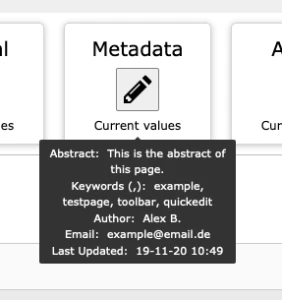
Additionally, 'previewFields' can be specified; the values of these fields are then available to the editor as a tooltip below the button.
TYPO3 allows you to define additional page types in addition to the existing ones, such as page types for products or events.
You can then add custom fields to your own page types, which can contain information relevant to your specific use case.
For a page type for products, these could include a product code or product attributes.
The toolbar can be extended to include custom page types and fields through simple configuration using PageTS, so that editors have the corresponding buttons available here as well.
The following example shows a configuration for a "Product" page type with ID 116:
mod {
        web_layout {
            PageTypes {
                // Product
                116 < .1
                116 {
                    config {
                        15 {
                            label = Product
                            fields = product_identification, product_technology, product_size, product_specs
                            previewFields = *
                        }
                    }
                }
            }
        }
    }
For more information about the "quickedit" extension and how to use it, visit the official documentation at https://docs.typo3.org/p/punktde/quickedit/0.1/en-us/ or our repository at https://github.com/punktDe/quickedit