Cancel
Start searching

This search is based on elasticsearch and can look through several thousand pages in miliseconds.
Learn more

Pages are an essential part of structuring your own website. For this reason, TYPO3 offers editors several page types for different areas of application.
The most commonly used page type is probably the standard page: editors can enter and design their content here.
However, there are also other, more specialized page types that offer corresponding options. Examples of these are internal references, links to other websites or folders for structuring.
Each of these page types has various settings that editors can edit via the page properties in the backend. In addition to the title of the page, this also includes settings such as
However, editing these properties can sometimes be somewhat difficult for editors. The button for editing only consists of a small icon in the upper area and the page properties are sometimes extensive and spread over various tabs. Editors have to search to find the desired field on one of the tabs.
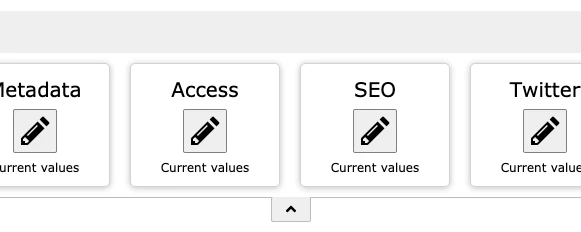
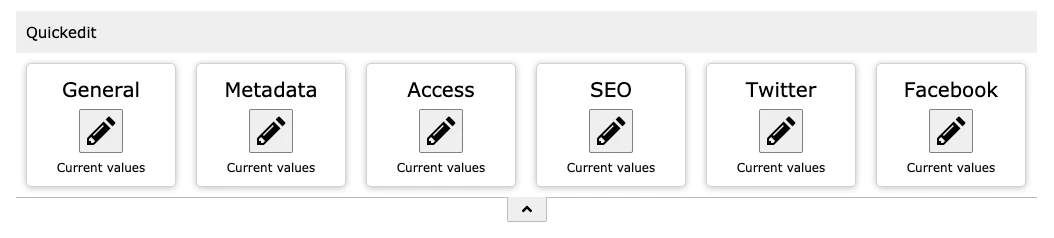
The aim of the Quickedit toolbar developed by us is therefore to offer editors a quicker access and easier structuring of the page properties. For this purpose, fields in the toolbar can be combined into a group for which an edit button is then displayed.
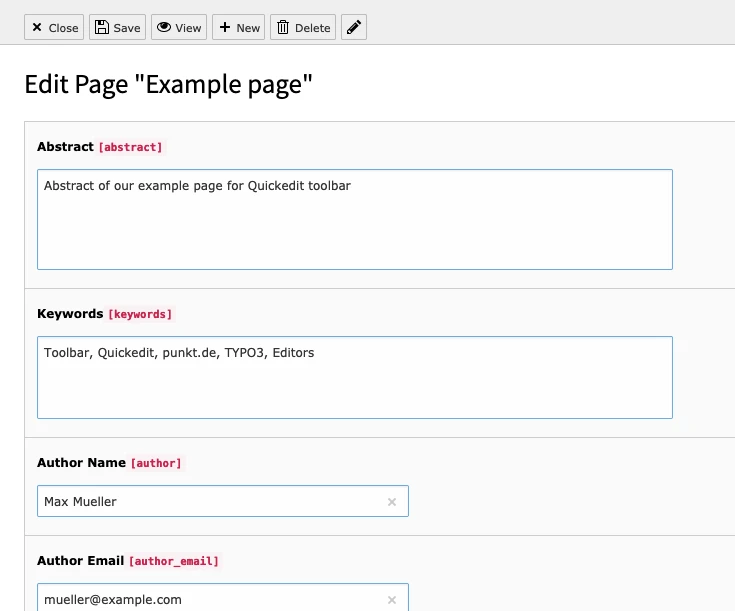
This button then opens the page properties, but only the fields belonging to the group are displayed. All other fields are not visible here for the time being, so that there is no need for a long search and navigation.
An "SEO" button, for example, would only contain the fields relevant to this topic.
The extension can be installed in TYPO3 in the usual ways:
After activating the extension, you only need to integrate the PageTS of the Quickedit extension for standard page types on the start page.
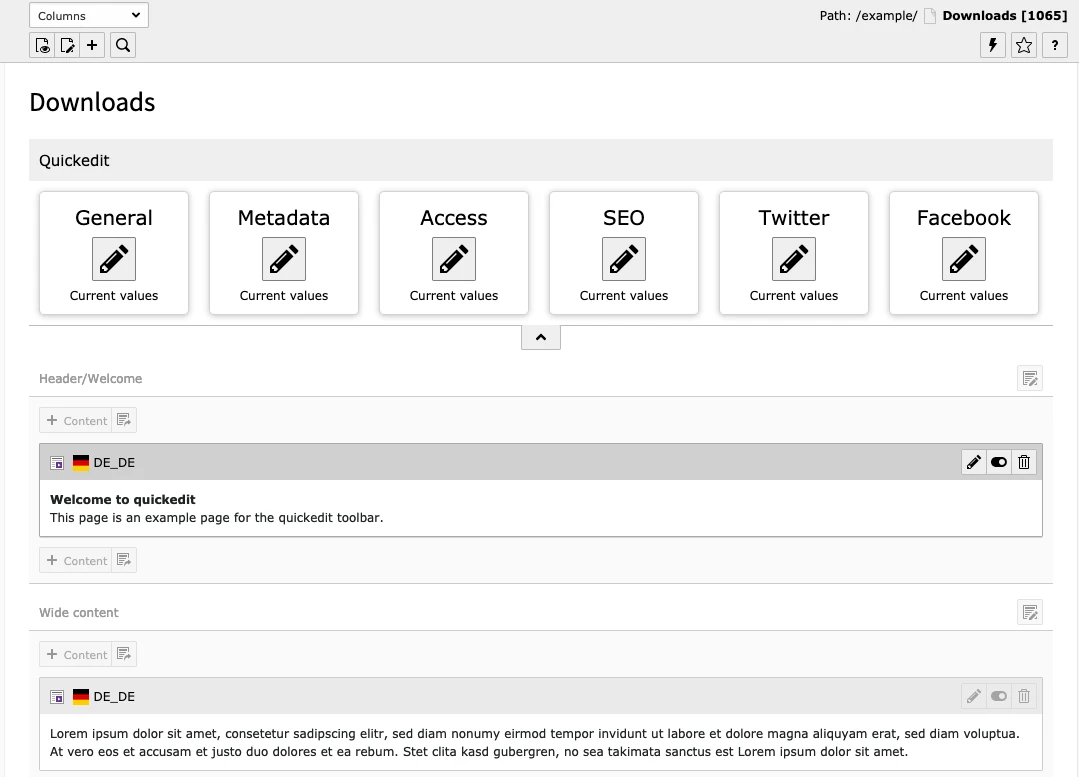
The toolbar is now available to every backend user and displays corresponding buttons for all standard page types.
If the toolbar should not be available to certain users or user groups, it can be deactivated again via an option in the user or group.
The PageTS for configuring the toolbar can look like this:
mod {
    web_layout {
        PageTypes {
            // Default Page (ID = 1)
            1 {
                config {
                    // Button "General"
                    10 {
                        label = LLL:EXT:quickedit/Resources/Private/Language/Backend.xlf:defaultPageType.group.general
                        fields = title, subtitle, nav_title, slug
                        previewFields = *
                    }
                    // Button "MetaData"
                    20 {
                        // Definition of button "MetaData" ...
                    }
                }
            }
            // Definition of other page types
        }
    }
}
The configuration of the various page types is located under mod.web_layout.PageTypes; the ID of the page type is used as a crosspoint (doktype). The individual buttons are then defined in the 'config' block; each button is created as a separate block with a unique number, such as 10, 20, 30 etc.
The button text ('label') and the fields to be edited ('fields') must be defined within the button block.
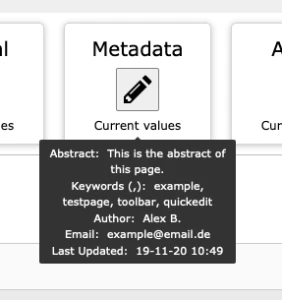
In addition, 'previewFields' can be specified; the values of these fields are then available to the editor as a tooltip under the button.
TYPO3 offers the option of defining further page types in addition to the existing page types, for example page types for products or events.
The custom page types can then be supplemented with custom fields that can contain information for the use case.
In the case of a page type for products, this could be a product code or properties of the product.
The toolbar can be extended with your own page types and fields through simple configuration using PageTS, so that the editors also have the corresponding buttons available here.
The following example is a configuration for a page type "Product" with the ID 116:
mod {
        web_layout {
            PageTypes {
                // Product
                116 < .1
                116 {
                    config {
                        15 {
                            label = Product
                            fields = product_identification, product_technology, product_size, product_specs
                            previewFields = *
                        }
                    }
                }
            }
        }
    }
For more information on the 'quickedit' extension and how to use it, visit the official documentation at https://docs.typo3.org/p/punktde/quickedit/0.1/en-us/ or our repository at https://github.com/punktDe/quickedit