Cancel
Start searching

This search is based on elasticsearch and can look through several thousand pages in miliseconds.
Learn more

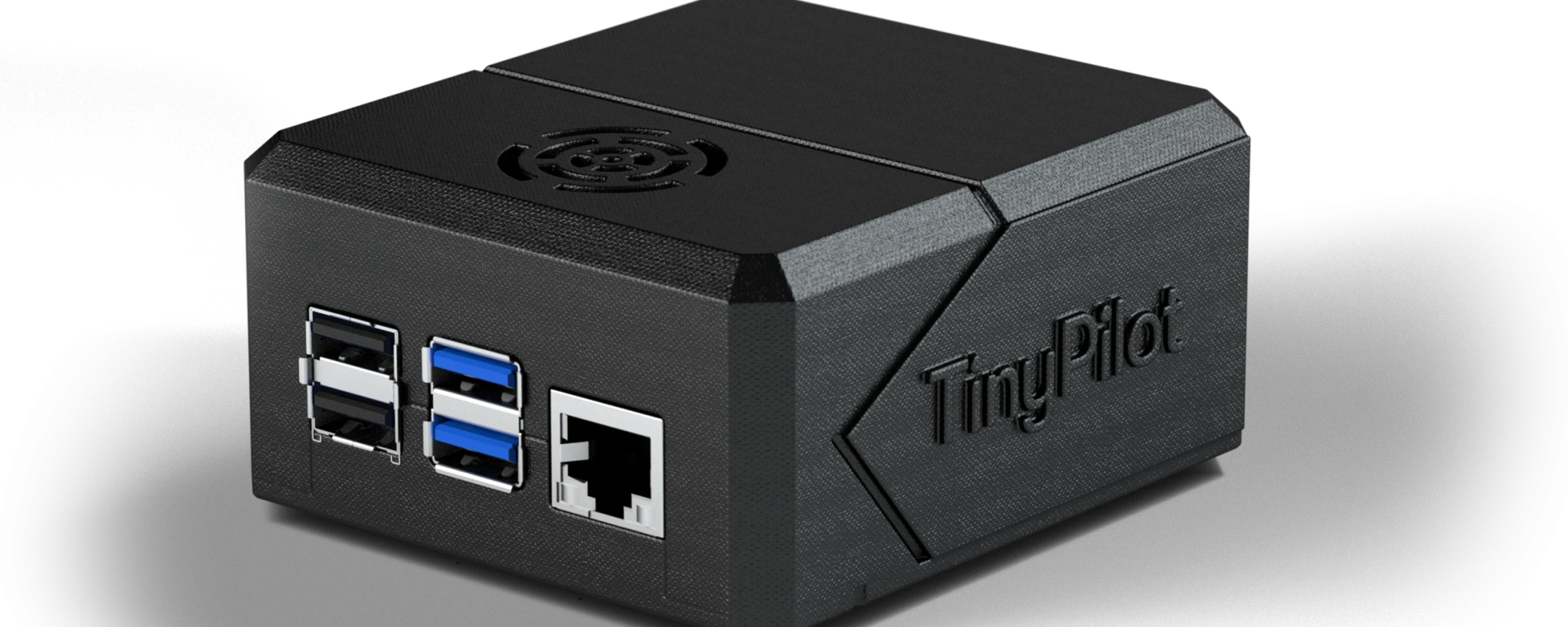
TinyPilot is a KVM-over-IP switch that allows you to remotely control and maintain computers, install new software, or manage customer servers. Why does a system integrator need TinyPilot? How does it help with customer support? What else can you do with it? Well, I’d like to answer all these questions in this blog post.
COVID-19 (well-known, bothersome, annoying, but also a catalyst) has forced all companies to grapple with true digital transformation. And that’s not just about sending things that used to be on paper to your colleagues via email. That’s a start, but it’s not what’s needed. More on that in another blog post. So how does the TinyPilot fit into the “big picture” here? Well, not all servers can be maintained effectively remotely. What happens, for example, if I need to update a server and it won’t start afterward because something went wrong in the BIOS? Or what do I do in the automation industry, where I have a server that controls my machines, but for software development I need to install that very software regularly?
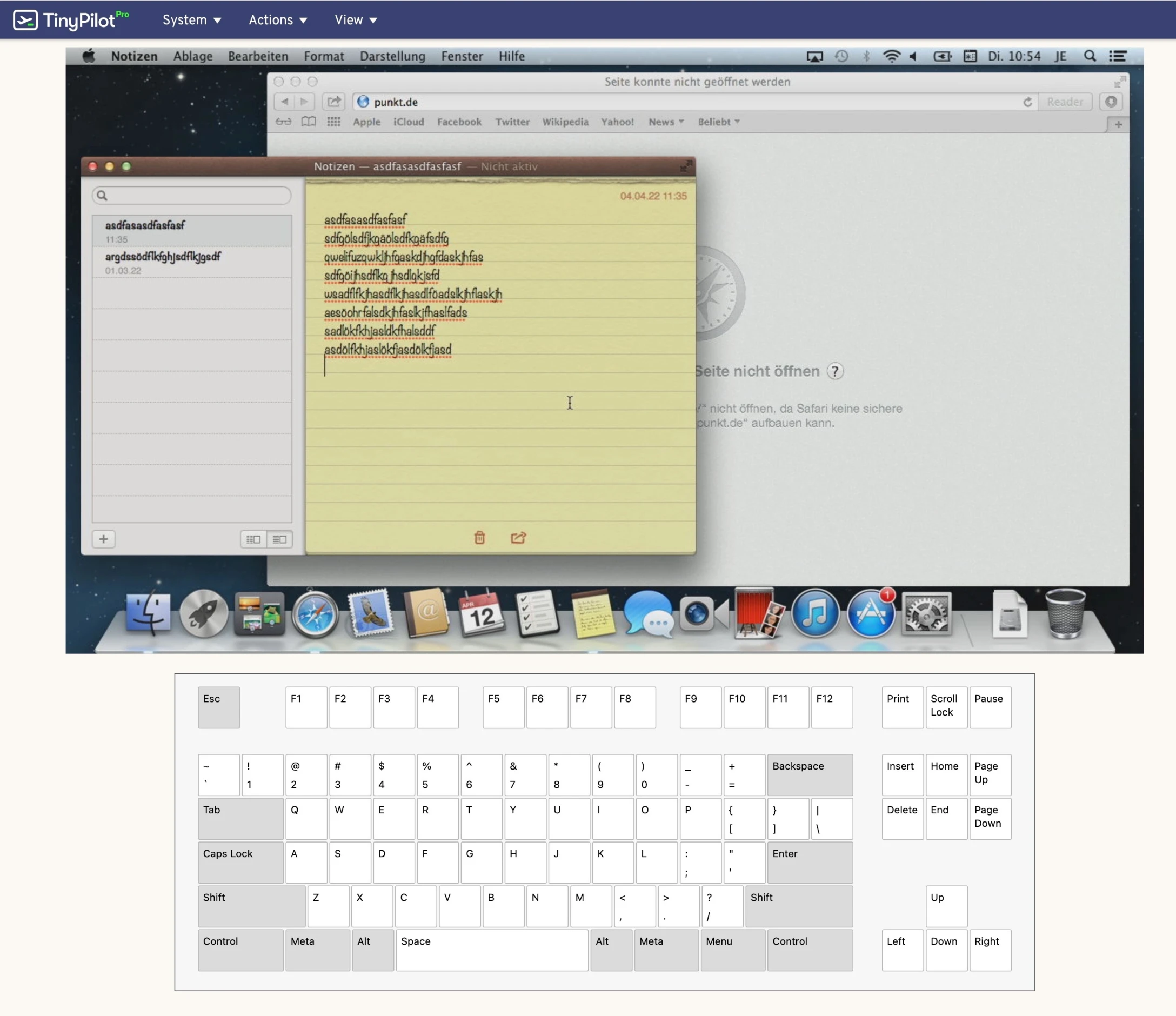
Here, you can use TinyPilot, since it’s platform-independent. TinyPilot works with any modern browser! That means as long as I have internet access (or rather, a VPN connection) in my home office, I can access TinyPilot. The TinyPilot itself converts the video signal from the server so that you can view the image in your browser. Conversely, you can connect the TinyPilot to the server via USB and use the server’s keyboard and mouse. It doesn’t matter at all which operating system is running on the server—whether it’s Linux, Windows, or macOS: Since the TinyPilot captures the video signal directly (VGA, DVI, or HDMI) and transmits it to the remote browser, any operating system can be used as a server, and any operating system running a modern browser can be used to remotely control that server—even from the BIOS!
Currently, our customers in the automation industry are using the TinyPilot (it’s also rather difficult to take a 50-metric-ton printing press home to your home office to program it). Even if you “only” operate a data center, the TinyPilot can help you. Please feel free to contact us with any further questions. Either send us an email or click here to contact us. We’re happy to help.
Links:
Europe website: https://www.kvm-ip.de/
U.S. website: https://tinypilotkvm.com/
English Forum: https://forum.tinypilotkvm.com/latest